

FiveM practical guide
Install a FiveM MLO the clean way.
From unpacked download to server test: folder structure, manifest, start order and the common reasons an interior does not load.
- Resource layout
- fxmanifest.lua
- Server.cfg
- Troubleshooting
01
What an MLO package may contain
Inspect first, upload second.
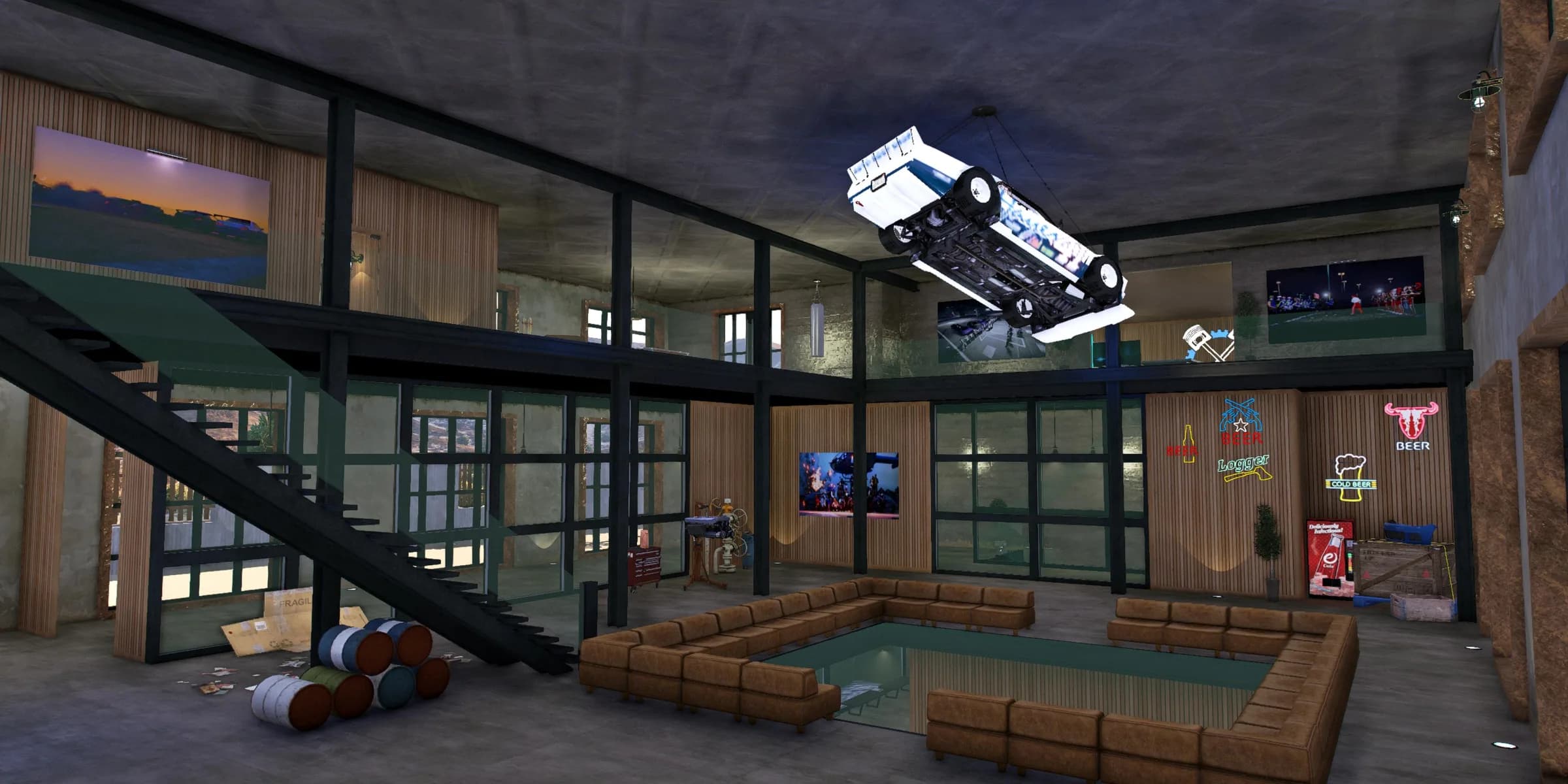
A FiveM MLO is a map resource. Common files include YMAP for placement, YTYP for archetypes and interior definitions, YDR or YDD for models, YTD for textures and YBN for collision. Not every package needs every extension.
Check whether the archive already contains a complete resource folder. A double-nested folder is a frequent mistake: fxmanifest.lua must sit directly inside the folder FiveM starts.
Correct: resources/[maps]/my_mlo/fxmanifest.lua and resources/[maps]/my_mlo/stream/…
02
Install the MLO in five steps
A dependable standard workflow.
Inspect the archive
Unpack it locally and read the instructions and dependencies. Use a short resource name without spaces.
Upload the resource
Upload the complete folder by SFTP to resources/[maps]. Do not alter protected escrow files.
Check the manifest
Confirm fxmanifest.lua exists and any YTYP is loaded as instructed by the creator.
Start the resource
Add ensure my_mlo to server.cfg. Dependencies and shared assets must start first.
Test in game
Restart, inspect server and F8 consoles, then test entrances, rooms, doors, collision, textures and lighting.
A complete restart is a more reliable test than repeatedly restarting a map on a production server.
03
When the MLO does not load
Symptoms and likely causes.
- Resource not found
- Folder name and server.cfg differ, or the resource is nested one level too deep.
- Interior missing
- Check the manifest, YTYP loading, game build and dependencies, then read both consoles.
- Players fall through
- Collision is missing, not streamed or another map overrides the same location.
- Textures missing or flickering
- Check YTD files, texture budget, duplicate assets and overlapping maps.
- Only some players see stale data
- Clear client cache only as a final diagnostic step; cache clearing does not repair a broken resource.
04
Test before launch
Do more than walk through the entrance once.
- Enter with several players
- Check all collision and stairs
- Test doors, targets and door locks
- Test day, night and weather
- Retest after a full restart
- Rule out maps at the same location
05
MLO installation questions
Short practical answers.
01
Where do I add a FiveM MLO?
Put its resource folder below resources and start it with ensure resource_name in server.cfg.
02
Does every MLO need fxmanifest.lua?
Every started FiveM resource needs a manifest. Reputable packages normally include one.
03
Why does the YTYP not load?
Check path, spelling and the Dlc_ITYP_REQUEST entry, following the creator instructions.
04
Can I use multiple MLOs at one location?
Usually not reliably. Geometry, collision, portals and YMAPs can overlap.
05
Does an MLO work with ESX and QBCore?
The map is usually framework-independent; doors, jobs and targets require compatible integrations.

Nobody Workz Studio
Find the right FiveM MLO
Browse our interiors and exteriors or pair one with a FiveM server with full file access.