

Blender addon
Together in Blender: live, no file ping-pong.
Several people edit the same scene at once. Changes show up for everyone instantly, textures are uploaded once, the server resolves conflicts. Built by a team that produces FiveM maps and vehicles with it.
- Live sync for 5–10 people
- Locks & rules for collections
- Backups, tasks, chat
- Servers in the EU (NL, DE on request)
01
No more “scene_final_v7_new.blend”
Teamwork in Blender is usually file ping-pong.
Working on a map, an interior or a vehicle pack with two or ten people means: save the file, upload it, notify, merge. States get lost and work is done twice.
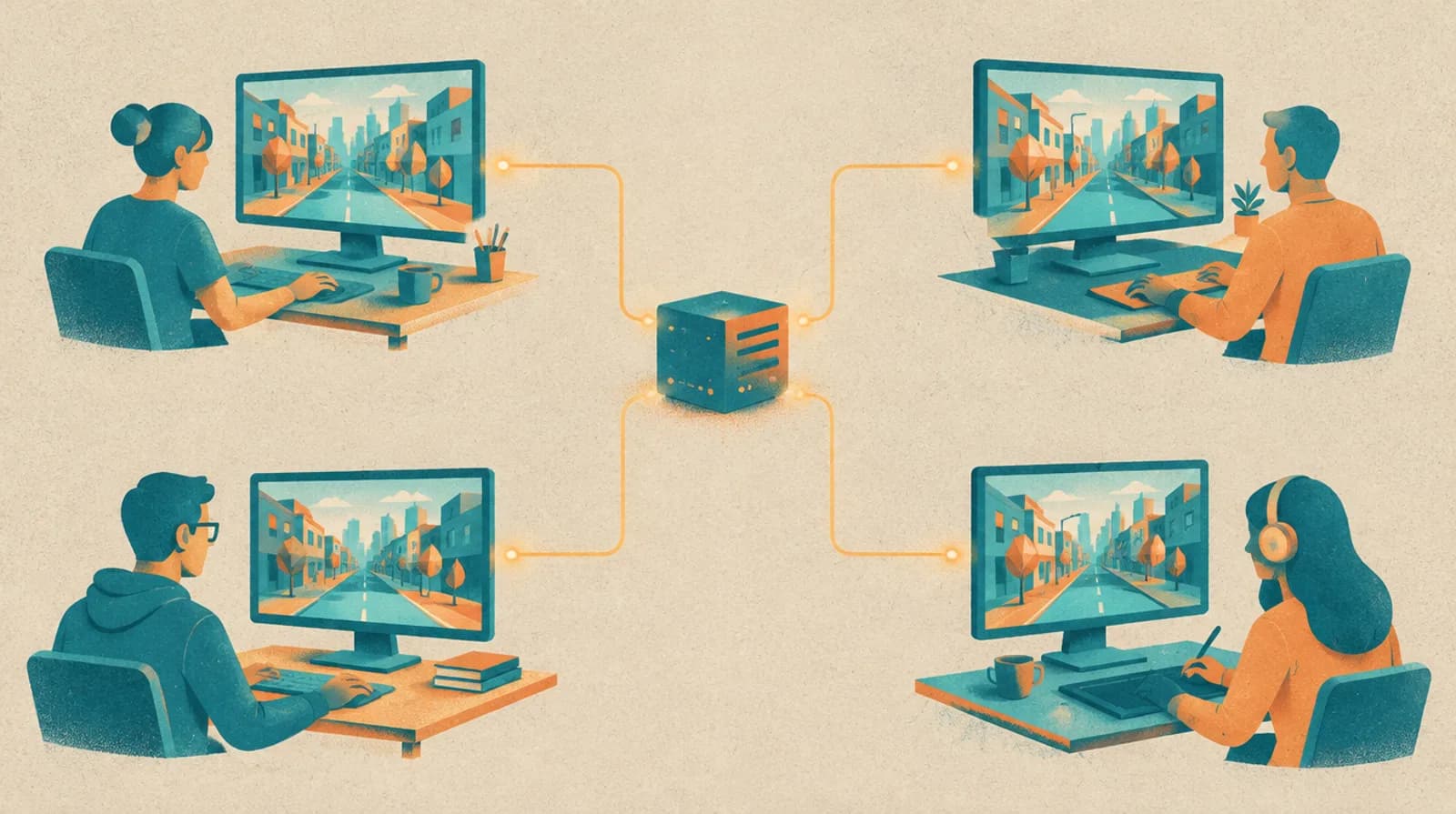
Nobody Workz Collab connects Blender to a shared room. Every change is distributed to all others immediately; the server keeps the one correct state, acknowledges each change and resolves conflicts traceably. Whoever loses the connection rejoins without losing anything.
One room, one truth: everybody sees the same scene, in real time.
02
How a room works
Every change goes through the server, not from machine to machine.
Your Blender sends the change to the room. The server checks it, puts it in order, confirms it to you and distributes it to everybody else. That is why two people can edit the same scene without overwriting each other.
03
What is included
Everything a team needs day to day.
- Live synchronisation
- Objects, transforms, materials and meshes appear for everyone instantly. Movements stream smoothly, changes are confirmed one by one.
- Locks and rules
- Lock objects explicitly or reserve whole collections for specific people — including objects added later.
- Textures without double uploads
- Files are recognised by checksum: what the server already has is not uploaded again.
- Backups and restore
- Scene backups by hand or automatically, one click back to an earlier state.
- Tasks and chat
- Tasks right in the room, chat with history. No second tool needed.
- Roles and access
- Member, viewer, administrator. Every person gets their own access key which you can block or renew at any time.
- German and English
- The addon interface follows Blender or your choice in the preferences.
- Automatic addon updates
- The addon updates itself through the Blender repository — no more swapping ZIP files.
04
Built for big scenes
Real production maps, not just cubes.
Our own FiveM maps have hundreds of objects and scenes of more than 200 MB. That is what we measure against. Meshes travel as compact binary data, scenes are delivered compressed on join, and saving big scenes runs in a background process so nobody waits.
- Meshes, UVs and colours as packed floats instead of text lists
- Compressed join: a 224 MB scene arrives as about 55 MB
- Checkpoints in the background, without pausing the room
05
Measured numbers
Figures from our load test, with date and conditions.
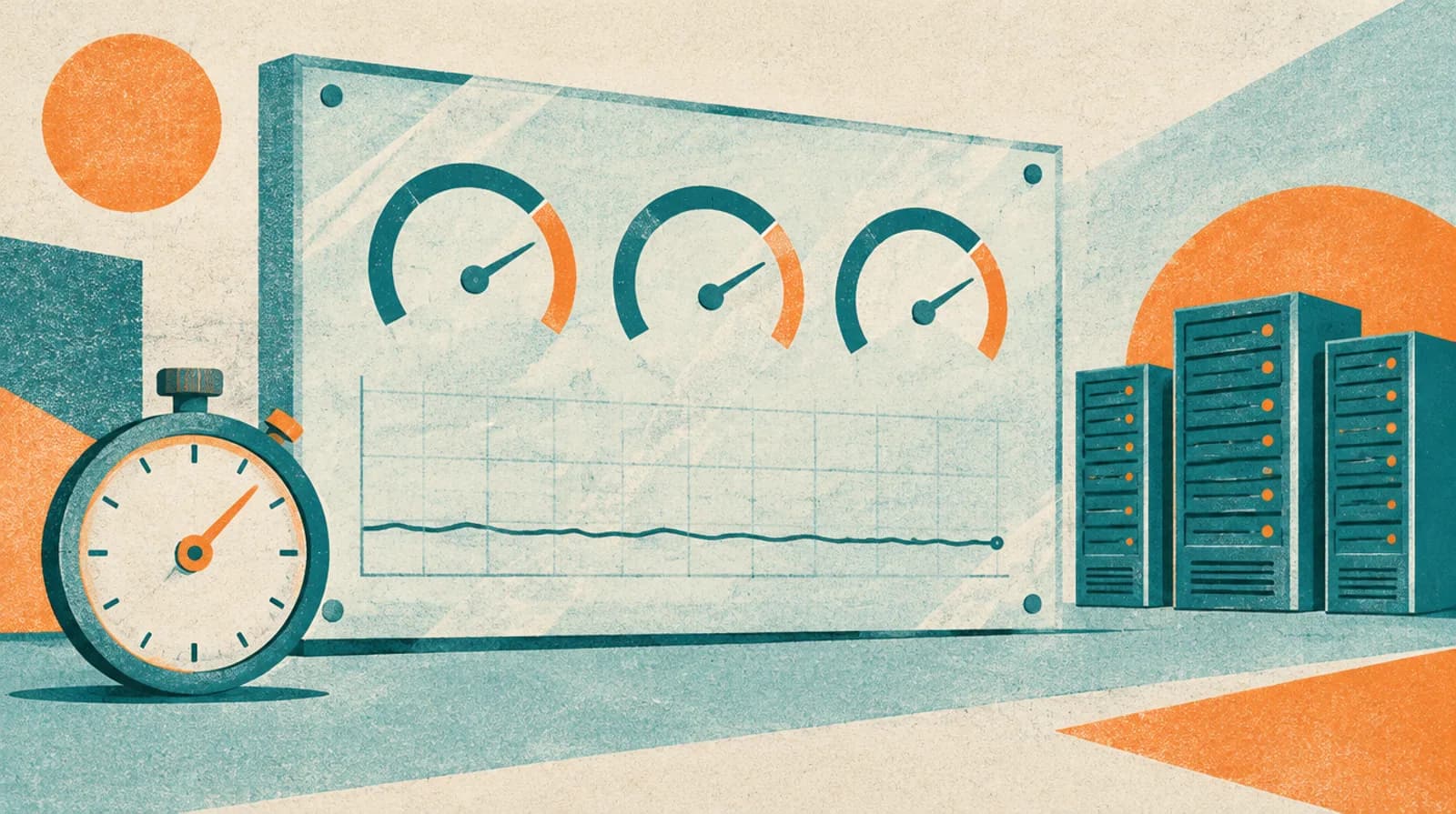
We only write down what we measured. The load test starts a real server process and lets several rooms with several people change objects and meshes at the same time.
4×8
rooms × people at once
one server, 32 editors
251
changes per second
incl. a 20,000-vertex mesh edit every 5 s per person
224 → 55 MB
scene download
real production scene, compressed ~4×
−49 %
server memory per big scene
637 → 322 MB
Time until your change is confirmed
Measured on 2026-10-14 in our test environment (one server, clients on the same machine, so without internet latency). Real latency adds your connection's round trip. Method and tool are described under “How we test”.
06
How we test
Before a version ships, all of this runs.
- 202 automated server tests: protocol, merge engine, locks, rules, licences, restore from journal
- Property and fuzz tests against malformed input and join floods
- Chaos runs: connections dropped and restarted mid-edit, state compared afterwards
- Load test with a real server process: 4 rooms × 8 people, mesh edits, big-scene joins
- Headless Blender test of the addon: registers and draws every panel in German and English
- Nightly backup plus a restore probe that boots a throw-away instance from the backup
07
Technical basis
Open, proven building blocks instead of home-grown ones where possible.
| Layer | What we use |
|---|---|
| Transport | WebSocket (TLS) with MessagePack frames; compressed scene snapshots |
| Server | Python asyncio, one process per instance, SQLite (WAL) with group commit |
| Consistency | Server-ordered changes with revisions; conflicts are resolved and reported, never silent |
| Persistence | Journal + zstd checkpoints (written by a background process), content-addressed blobs |
| Addon | Blender extension, GPL-3.0-or-later; packed float32 meshes, textures by checksum |
| Operations | Nightly backups, restore probe, health monitoring, metrics endpoint |
08
Current status
Live from the repository, not from a press release.
The version below is read directly from the public extension index that Blender itself uses.
| Item | Value | Note |
|---|---|---|
| Addon version | 1.24.0 | live from the repository |
| Blender | 4.5 – 5.2 | Windows, macOS, Linux |
| Updates | automatic | through the Blender extension repository |
| Languages | German, English | switchable in the addon |
| Server tests | 202 | automated, run before every release |
09
Secure and operated in the EU
Your scenes belong to you.
The service runs on our own servers in the Netherlands (EU). If your team prefers the server in Germany, we set that up for you. Every person works with a personal access key that you can issue, block or renew per seat. Connections are TLS-encrypted.
- Personal keys per seat, revocable at any time
- Daily server backups, scene backups per room
- Deletion of rooms and accounts on request

10
How to start
In your first shared room in under ten minutes.
Book a plan
Choose and pay a plan in the customer portal — your licence is active immediately.
Install the addon
Add the repository in Blender; the addon installs and keeps itself up to date.
Enter your licence key
Create one key per person in the portal and enter it in the addon on first start.
Create a room and invite
Create a room, share the password — start together.
You manage seats, keys and subscription yourself in the portal. Cancel any time at the end of the term.
11
Plans and prices
Live from our system.
Every plan includes the features of its tier. Larger plans allow bigger files, more storage and more rooms. You can add seats at any time.
| Plan | Seats | Largest file | Storage | Rooms | Per month | Per year | Extra seat / month |
|---|---|---|---|---|---|---|---|
| Privat (2 Nutzer) | 2 | 250 MB | 10 GB | 3 | €4.90 | €49.00 | €2.00 |
| Bronze | 3 | 250 MB | 20 GB | 5 | €9.90 | €99.00 | €3.00 |
| Silber | 10 | 500 MB | 100 GB | 20 | €29.90 | €299.00 | €2.50 |
| Gold | 25 | 1 GB | 500 GB | 100 | €69.00 | €690.00 | €2.00 |
Prices are net = groß (small-business exemption, §19 UStG). Yearly prices equal ten months.
12
Also from us: FiveM assets
The addon is made where we build ourselves.
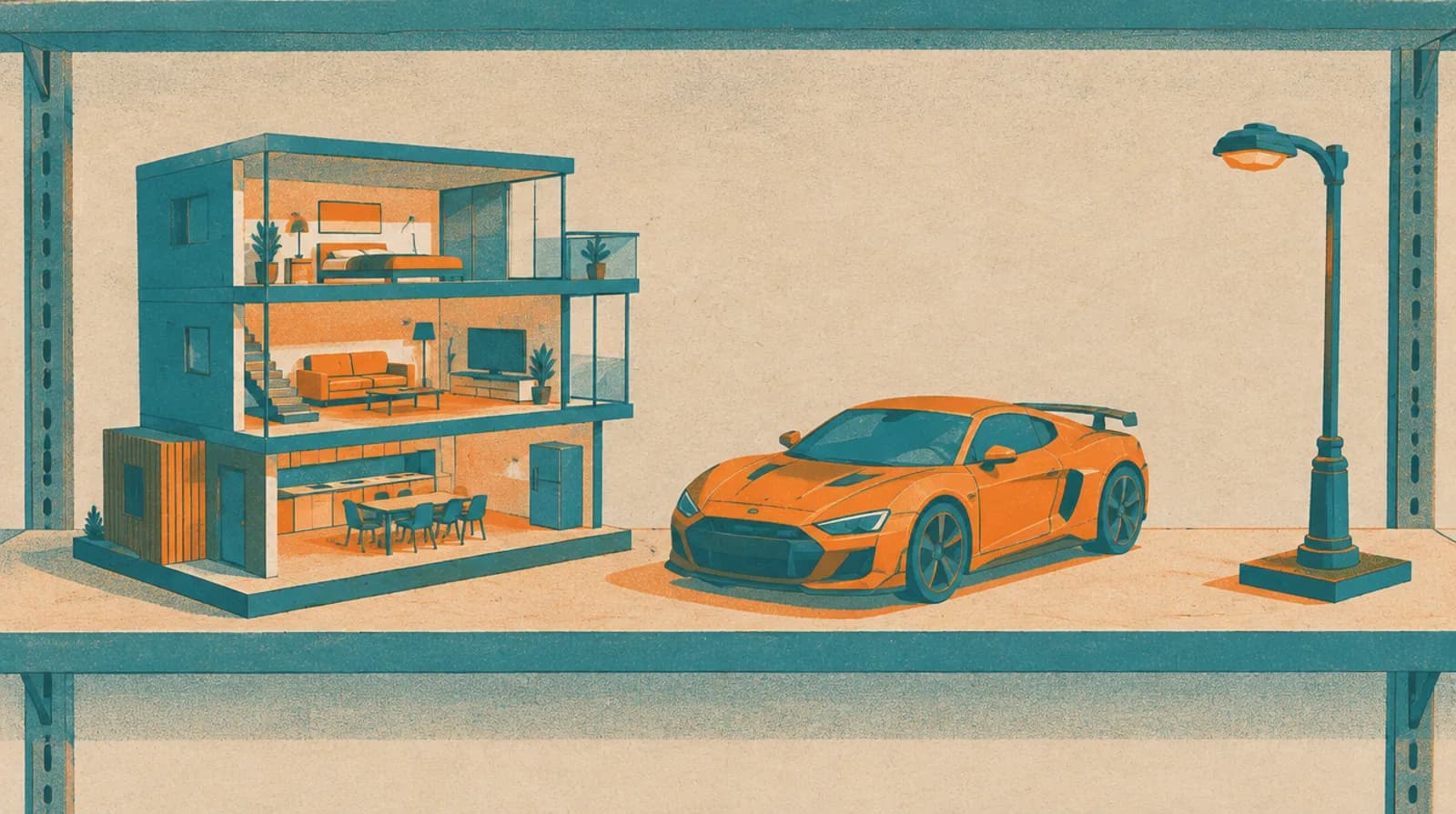
The same team that builds Collab makes FiveM MLOs, maps, vehicles and scripts. We build them in Blender with Collab, and we sell them in our own store.
- Maps [Interior]10 packages
- Maps [Exterior]3 packages
- Scripts [Standalone]4 packages
- Collections1 packages
13
Frequently asked questions
Short answers.
01
How many people can work at the same time?
The service is designed and tested for 5–10 simultaneous editors per room. In our load test 32 people worked in 4 rooms in parallel on one server. Larger plans allow more seats and rooms.
02
Which Blender versions are supported?
Blender 4.5 to 5.2 on Windows, macOS and Linux. The addon ships as a Blender extension and updates itself.
03
What happens if my connection drops?
The addon reconnects automatically and reconciles the state. Acknowledged changes are not lost.
04
How big can scenes be?
Production scenes of more than 200 MB run with us every day. File sizes and storage depend on the plan (see the table). Files the server already knows are not transferred again.
05
Can I cancel any time?
Yes, at the end of the paid term. Until then you keep everything; afterwards there is a grace period with read-only access.
06
Is the addon open source?
The addon is GPL-3.0-or-later and based on Blend Buddies by Avdon Bergman. The server is our service and not part of the addon.
07
Where are the servers?
By default a server in the Netherlands (EU). If your team wants the server in Germany we set that up on request — just contact us.
Nobody Workz Collab
Ready for shared scenes?
Choose a plan, issue keys, get going.